Playwright with TypeScript
Training in Hyderabad

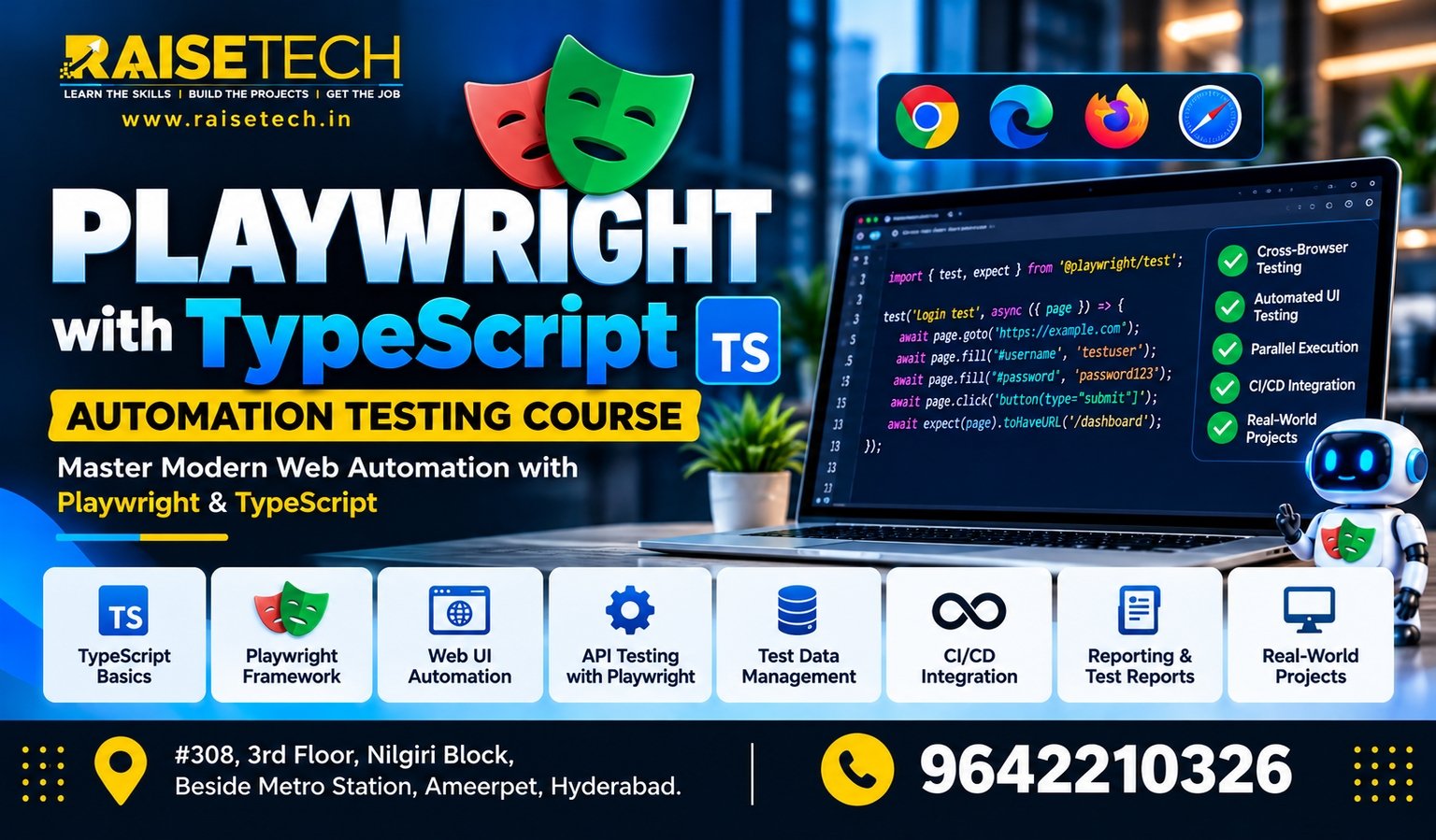
Playwright with TypeScript Training in Hyderabad at Raise Tech Institute helps you learn modern web application testing and browser automation. Explore automated test scripts, cross-browser testing, end-to-end testing, API testing, and test reporting. In addition, practical exercises help you understand how to test real-world web applications.

This course is suitable for freshers, manual testers, software professionals, and developers who want to improve their automation testing skills. Located in Ameerpet, Hyderabad, Raise Tech Institute offers training options designed to help learners build practical knowledge and prepare for software testing opportunities.

Book your Playwright With TypeScript Free Demo

Your information is 100% secure.

What Is Playwright with TypeScript?

Playwright with TypeScript Training in Hyderabad Playwright is a browser automation framework used to test web applications across Chromium, Firefox, and WebKit. It supports automated browser interactions, assertions, screenshots, and other testing activities. TypeScript adds static typing and editor support, which can help you write structured and maintainable test code. Together, Playwright and TypeScript provide a powerful approach to end-to-end testing. You can automate user journeys, verify application behaviour, test different browsers, and identify issues before an application reaches users. Therefore, learning both technologies can help you understand modern automation testing workflows.

Why Learn Playwright with TypeScript?

Modern software teams need reliable ways to test web applications. Automation can reduce repetitive manual work and help teams detect issues earlier. By learning Playwright with TypeScript, you can develop skills for creating, running, and maintaining automated tests.
01

Browser Automation

Learn to automate browser actions such as clicking buttons, filling forms, navigating pages, and validating results.
02

Cross-Browser Testing

Understand how to run tests across Chromium, Firefox, and WebKit to check application behaviour in different browsers.
03

TypeScript Fundamentals

Learn variables, functions, types, interfaces, and other TypeScript concepts used in automation scripts.
04

End-to-End Testing

Automate complete user journeys and verify that important application features work as expected.
05

API Testing

Explore API requests and response validation using Playwright’s API testing capabilities.
06

Test Reporting

Learn to review test results, investigate failures, capture screenshots, and use trace information for debugging.

Playwright with TypeScript Course Curriculum

The curriculum introduces programming fundamentals, browser automation, test design, and reporting. You will progress from basic scripts to more structured automation projects. The following modules provide a suggested course outline and can be adjusted to match the institute’s confirmed syllabus.

Module 1: Introduction to Software Testing

  • Understanding software testing fundamentals.
  • Manual testing and automation testing concepts.
  • Functional testing and end-to-end testing.
  • Test scenarios, test cases, and expected results.
  • Introduction to the role of automation in software quality assurance.

Module 2: JavaScript and TypeScript Fundamentals

  • JavaScript variables, data types, operators, and functions.
  • Conditional statements, loops, and arrays.
  • Objects, modules, and exception handling.
  • TypeScript types, interfaces, and type annotations.
  • Promises, async/await, and asynchronous programming.

Module 3: Playwright Setup and Configuration

  • Introduction to the Playwright framework and its architecture.
  • Installing Node.js and setting up the project environment.
  • Installing Playwright and configuring TypeScript.
  • Understanding the Playwright project structure.
  • Creating and running your first automated test.

Module 4: Locators and Browser Interactions

  • Understanding pages, browser contexts, and browser instances.
  • Working with role, text, label, placeholder, and test ID locators.
  • Clicking buttons, entering text, selecting options, and submitting forms.
  • Handling checkboxes, radio buttons, dropdowns, and links.
  • Using assertions to verify page content and application behaviour.

Module 5: Test Scripts and Assertions

  • Writing tests with Playwright Test.
  • Using test blocks, hooks, and assertions.
  • Understanding auto-waiting and actionability checks.
  • Handling navigation, pop-ups, dialogs, and multiple pages.
  • Organising test files and reusing test logic.

Module 6: Advanced Browser Automation

  • Working with frames and iframes.
  • Handling file uploads and downloads.
  • Managing browser contexts and session state.
  • Working with cookies, authentication, and saved storage state.
  • Capturing screenshots and recording videos where configured.

Module 7: Page Object Model and Test Framework Design

  • Understanding the Page Object Model design pattern.
  • Creating reusable page classes and methods.
  • Using fixtures and shared test setup.
  • Managing test data and environment configuration.
  • Structuring automation code for easier maintenance.

Module 8: API Testing with Playwright

  • Understanding API testing concepts and HTTP methods.
  • Sending GET, POST, PUT, PATCH, and DELETE requests.
  • Validating response status codes and response data.
  • Working with headers, request bodies, and authentication.
  • Combining API operations with browser-based test workflows.

Module 9: Test Execution, Debugging, and Reporting

  • Running tests in headed and headless modes.
  • Configuring browser projects and parallel execution.
  • Using retries and understanding flaky test behaviour.
  • Generating HTML reports and reviewing failed tests.
  • Using the Playwright Inspector and trace viewer to investigate issues.

Module 10: CI/CD and Final Automation Project

  • Understanding continuous integration and continuous delivery.
  • Running automation tests in a CI workflow.
  • Managing environment settings and test execution commands.
  • Automating a sample web application from start to finish.
  • Reviewing test results and preparing project documentation.
Course note: Confirm the final syllabus, duration, tools, practical sessions, and project coverage with Raise Tech Institute before enrolment. The modules above are a suggested curriculum and may be adapted to the available training programme.

Tools and Technologies You Can Learn

Automation testers use a combination of programming languages, testing frameworks, development tools, and reporting utilities. This course focuses on Playwright with TypeScript and introduces supporting technologies used to build and run browser automation projects.
Playwright TypeScript JavaScript Node.js Visual Studio Code Git GitHub Playwright Test API Testing CI/CD Basics

You will explore how these technologies fit into an automation workflow, from writing TypeScript test scripts to executing tests, investigating failures, and reviewing reports. The exact tools covered depend on the confirmed course syllabus.

Practical Playwright Automation Projects

Practical projects help you apply automation concepts to realistic testing scenarios. You can practise writing test cases, automating browser actions, validating results, and investigating failures in sample web applications.

Login and Authentication Testing

Automate login forms, validate error messages, check successful navigation, and test session-related behaviour.

E-Commerce Website Testing

Automate product searches, product selection, cart operations, checkout flows, and order confirmation scenarios.

Form and UI Validation

Test form submissions, required fields, input validation, dropdowns, buttons, and page-level messages.

API Automation Testing

Send API requests, verify status codes, validate response data, and connect API checks with selected UI workflows.

Who Can Join This Course?

Playwright with TypeScript Training in Hyderabad can benefit learners who want to develop web automation and software testing skills. Basic programming knowledge is helpful, while beginners can use the course to build their understanding step by step.
  • Freshers interested in software testing and automation.
  • Manual testers who want to learn browser automation.
  • QA engineers looking to expand their testing toolkit.
  • Automation testers exploring modern testing frameworks.
  • Developers who want to write automated tests for web applications.
  • Working professionals who want to strengthen their TypeScript and testing skills.

Career Opportunities After Playwright with TypeScript Training

Playwright and TypeScript skills can support a career in software quality assurance and test automation. Depending on your programming knowledge, testing experience, and practical project work, you may explore roles that involve developing and maintaining automated tests.

Automation Test Engineer

Create and maintain automated test scripts for web applications and software products.

QA Engineer

Test application functionality, identify defects, and help improve software quality.

Playwright Test Engineer

Build browser automation suites and validate application behaviour across supported browsers.

Software Test Analyst

Design test scenarios, execute tests, document defects, and communicate testing results.

QA Automation Developer

Develop reusable automation components and improve test framework maintainability.

API Test Engineer

Validate API behaviour and support automated checks for application services.

Career opportunities depend on your skills, experience, interview performance, and employer requirements. Completing a course does not guarantee employment.

Why Choose Raise Tech Institute?

Practical Automation Learning

Build your understanding through test scripts, browser interactions, assertions, and guided project exercises.

Modern Testing Technologies

Explore Playwright, TypeScript, and supporting tools used in modern web automation workflows.

Online and Offline Options

Contact the team to confirm current training formats, batch timings, and course availability.

Career Preparation

Develop practical project experience and enquire about available career guidance and placement assistance.

Raise Tech Institute is located in Ameerpet, Hyderabad. Contact the team to discuss the syllabus, course duration, fees, training format, and upcoming batches before enrolling.

Frequently Asked Questions

1. What is Playwright with TypeScript?

Playwright is a browser automation framework for testing web applications. TypeScript adds type checking and development support. Together, they help testers write structured automation scripts for browser interactions and application validation.

2. Can beginners learn Playwright with TypeScript?

Yes, beginners can start by learning JavaScript and TypeScript fundamentals before moving to Playwright. Regular practice with small test scripts can help build the skills needed for larger automation projects.

3. Do I need programming knowledge for this course?

Basic programming knowledge is helpful because automation scripts use variables, functions, conditions, and asynchronous operations. If you are new to programming, ask the institute whether introductory JavaScript and TypeScript sessions are included.

4. What browsers does Playwright support?

Playwright supports Chromium, Firefox, and WebKit browser automation. This allows teams to test application behaviour across multiple browser engines using a consistent framework.

5. Can Playwright be used for API testing?

Yes, Playwright includes API testing capabilities. You can send HTTP requests, inspect responses, validate status codes, and use API operations alongside browser-based tests.

6. What is the Page Object Model?

The Page Object Model is a design pattern that separates page-specific interactions from test logic. It can help teams organise reusable methods and make automation projects easier to maintain.

7. Is Playwright useful for automation testing careers?

Playwright is a useful framework to consider when building web automation skills. Career opportunities depend on your programming knowledge, testing fundamentals, practical experience, and the technologies requested by employers.

8. How can I enquire about this course in Hyderabad?

Call Raise Tech Institute at 96422 10326 to ask about the course syllabus, duration, fees, available batches, training format, and enrolment process.

Start Your Playwright Automation Journey

Build practical skills in browser automation, end-to-end testing, API testing, and TypeScript. Contact Raise Tech Institute in Ameerpet, Hyderabad, to learn more about Playwright with TypeScript Training and available batches.

Talk to an advisor.

Enroll · Free consultation