Multimedia Training in Hyderabad

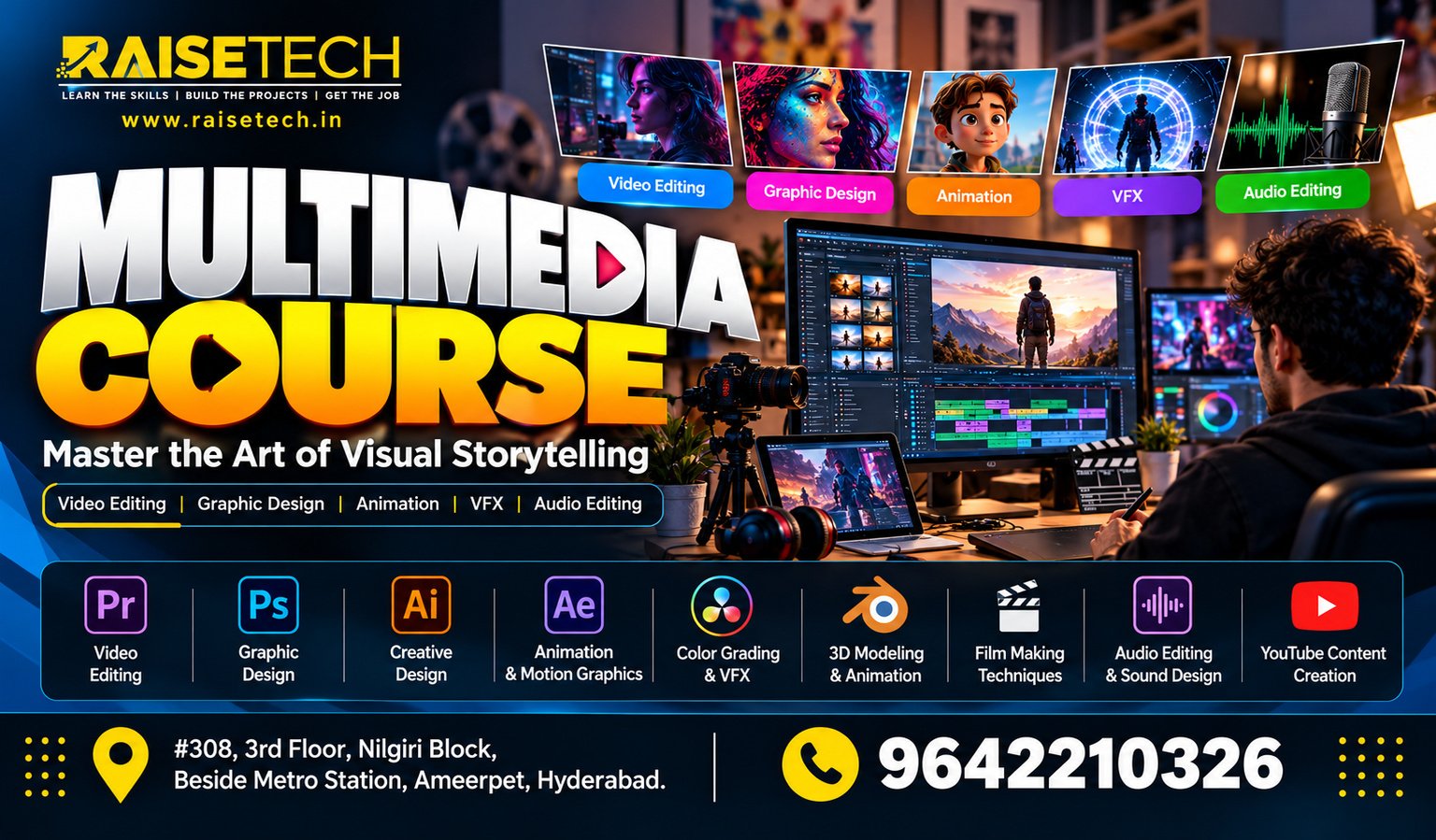
Build your creative and technical skills with Multimedia Training in Hyderabad at Raise Tech Institute. Learn graphic design, image editing, video editing, animation fundamentals, and digital content creation through practical assignments and projects.

Located in Ameerpet, Hyderabad, our training page is designed for students, freshers, and working professionals who want to explore opportunities in the creative media industry. Online and offline training options and placement assistance can help you plan your learning journey.

Book your Multimedia Training Free Demo

Your information is 100% secure.

Learn Multimedia Design and Digital Content Creation

Multimedia Training in Hyderabad Multimedia combines graphics, text, images, audio, video, and animation to communicate ideas. Businesses use  these elements in websites, advertisements, social media campaigns, presentations, and digital learning materials. Therefore, multimedia skills can support several creative and digital career paths. At Raise Tech Institute, learners can build a foundation in multimedia concepts and practise through creative assignments. In addition, project work can help you understand design workflows and develop a portfolio that showcases your abilities.

Graphic Design

Understand colour, typography, layout, and visual communication. Practise creating digital graphics and promotional designs.

Image Editing

Explore image correction, photo enhancement, retouching, layers, and creative image composition.

Video Editing

Learn editing concepts, timeline workflows, transitions, titles, audio synchronisation, and video production basics.

Animation Fundamentals

Explore animation principles, motion graphics concepts, animated titles, and moving visual elements.

Digital Content Creation

Create visual content for websites, social media platforms, promotional campaigns, and digital advertisements.

Portfolio Development

Organise selected design and multimedia projects to demonstrate your creativity, technical skills, and progress.

Why Learn Multimedia?

Digital content plays an important role in modern communication. Companies use visual media to promote products, explain services, and engage audiences. As a result, multimedia knowledge can be useful in design, marketing, media production, and content creation. A structured course can help you understand creative tools and develop your skills step by step. Furthermore, regular practice allows you to improve your design decisions and build confidence in project work.

What You Can Develop

  • Graphic design fundamentals
  • Image editing and photo retouching
  • Video editing concepts
  • Animation and motion graphics basics
  • Digital advertising creatives
  • Creative problem-solving skills
  • Portfolio development and presentation

Multimedia Course Curriculum

The curriculum below outlines key topics for a multimedia training programme. It moves from design fundamentals to editing concepts and project work. Please confirm the final syllabus and software coverage with Raise Tech Institute before publishing these details as confirmed course offerings.

Module 1: Introduction to Multimedia

  • Multimedia concepts and applications
  • Digital media formats and file types
  • Visual communication fundamentals

Module 2: Graphic Design Fundamentals

  • Colour theory and typography
  • Layout, composition, and alignment
  • Visual hierarchy and design principles

Module 3: Image Editing

  • Image correction and enhancement
  • Photo retouching and manipulation
  • Layers, selections, and masking concepts

Module 4: Digital Graphics

  • Digital artwork and illustrations
  • Creating shapes, icons, and visual assets
  • Preparing graphics for digital platforms

Module 5: Video Editing

  • Video editing fundamentals
  • Timeline editing and transitions
  • Titles, audio, and visual effects concepts

Module 6: Animation and Motion Graphics

  • Basic animation principles
  • Motion graphics concepts
  • Animated titles and visual elements

Module 7: Audio and Video Production

  • Audio and voice-over fundamentals
  • Background music concepts
  • Synchronising audio with video

Module 8: Social Media Content

  • Social media graphics and banners
  • Promotional video concepts
  • Creative formats for digital campaigns

Module 9: Multimedia Projects

  • Design and editing assignments
  • Creative campaign development
  • Portfolio preparation and review

Module 10: Portfolio and Career Preparation

  • Organising completed projects
  • Presenting creative work professionally
  • Preparing for relevant interviews
Course information: Training duration, fees, batch schedules, software access, and the exact module list should be confirmed with the institute before enrolment.

Multimedia Software and Tools

Multimedia professionals use different applications for graphics, image editing, video production, and animation. Depending on the confirmed syllabus, training may introduce learners to tools such as the following.
Adobe Photoshop Adobe Illustrator Adobe Premiere Pro Adobe After Effects Other Digital Design Tools

Software names are examples of commonly used creative applications. Confirm which tools are included in the current course.

Practical Multimedia Projects

Practical work helps learners apply design concepts and understand creative workflows. These sample projects can also provide material for a portfolio as your skills develop.

Social Media Creatives

Create sample social media posts, promotional banners, and digital advertisements for different types of businesses.

Photo Editing

Practise photo correction, retouching, background changes, and creative image compositions.

Promotional Videos

Explore how to organise footage, add transitions, place titles, and combine visuals with audio.

Motion Graphics

Develop sample animated titles and moving visual elements to understand basic motion design.

Branding Concepts

Design sample brand graphics and promotional materials while practising consistent visual styles.

Portfolio Presentation

Collect selected projects and explain the ideas, tools, and creative decisions behind your work.

Who Can Join Multimedia Training?

Multimedia training may suit learners who want to explore creative design and digital media. Beginners can start with fundamental concepts and gradually practise more advanced tasks.
  • Students interested in digital design
  • Freshers exploring creative career options
  • Working professionals expanding their skills
  • Aspiring graphic designers and video editors
  • Content creators and digital marketing learners
  • Learners interested in animation fundamentals

Prerequisites

You do not need advanced multimedia experience to begin learning the fundamentals. However, basic computer knowledge can make it easier to follow software demonstrations and complete practical exercises. Most importantly, regular practice, attention to detail, and creative curiosity can help you improve. Building a portfolio over time can also help you demonstrate your abilities to potential employers or clients.

Why Choose Raise Tech Institute?

Raise Tech Institute serves learners looking to develop practical skills in Hyderabad. For multimedia students, a structured learning plan and consistent project practice can help build a stronger foundation in digital media.

Structured Learning

Study multimedia concepts in a progressive order, starting with fundamentals and moving towards practical assignments.

Project-Based Practice

Apply concepts through sample design, image editing, and video production tasks included in the course.

Career Support

Explore portfolio preparation and job-readiness guidance through the institute’s available placement assistance services.

Offline Multimedia Training in Ameerpet

Classroom learning may suit students who prefer face-to-face interaction and guided sessions. If you are looking for multimedia training in Ameerpet, Hyderabad, contact Raise Tech Institute to confirm classroom availability, batch timings, and practical lab facilities.

Online Multimedia Training

Online learning can provide flexibility for students and working professionals. Ask the institute about live sessions, software requirements, practice assignments, and available online batches before enrolling.

Career Opportunities After Multimedia Training

Multimedia skills can be useful in creative, marketing, advertising, and digital media environments. Your career options will depend on your practical skills, portfolio, experience, and the requirements of each employer.

Graphic Designer

Create visual materials for branding, marketing campaigns, social media, and digital platforms.

Image Editing Artist

Work with image correction, photo retouching, and digital image preparation tasks.

Video Editor

Organise footage, edit sequences, add titles, and prepare video content for different platforms.

Junior Motion Graphics Designer

Assist with animated titles, transitions, and motion-based visual content.

Multimedia Designer

Combine visual design and digital media elements to communicate information and ideas.

Digital Content Creator

Develop graphics and multimedia assets for websites, social channels, and promotional content.

Multimedia Training with Placement Assistance

Learning creative software is one step towards a multimedia career. You also need to present your skills clearly and demonstrate your work through relevant projects. Raise Tech Institute provides placement assistance and career support, subject to its current policies and available services. Contact the institute to confirm whether portfolio reviews, interview preparation, resume guidance, or job referrals are included in your course.

Prepare for Your Next Step

  • Build a portfolio of relevant projects
  • Practise explaining your creative decisions
  • Prepare a clear and professional resume
  • Improve communication and interview skills
  • Explore roles that match your strengths

Placement assistance does not guarantee employment. Selection depends on individual skills, portfolio quality, interviews, and employer requirements.

Frequently Asked Questions

Find answers to common questions about Multimedia Training in Hyderabad at Raise Tech Institute.

1. What is covered in multimedia training?

The course may cover graphic design, image editing, video editing, animation fundamentals, digital content creation, and project work. Please confirm the final syllabus with the institute.

2. Where is Raise Tech Institute located?

This course page targets learners in Ameerpet, Hyderabad. Contact the institute to confirm its current address and classroom details.

3. Are online and offline classes available?

Training options depend on current batches and course arrangements. Contact Raise Tech Institute to confirm online and offline availability.

4. Can freshers join the multimedia course?

Beginners and freshers can learn multimedia fundamentals. Basic computer knowledge can help you get started with design tools and practical exercises.

5. Which software is used in multimedia training?

Common industry tools include Photoshop, Illustrator, Premiere Pro, and After Effects. The exact applications taught depend on the confirmed course syllabus.

6. Does the course include placement assistance?

Raise Tech Institute offers placement assistance and career support according to its current policies. Contact the institute to learn about the services available for multimedia learners.

7. What jobs can I explore after multimedia training?

Depending on your skills and portfolio, you may explore roles such as graphic designer, video editor, multimedia designer, or digital content creator.

8. How do I know the course duration and fees?

Course duration, fees, and batch schedules may vary. Contact Raise Tech Institute for the latest details before enrolling.

Start Your Multimedia Learning Journey

Explore Multimedia Training in Hyderabad at Raise Tech Institute. Develop your creative skills, practise multimedia projects, and work towards building a portfolio for future opportunities in digital design and media. Contact our team to ask about the syllabus, fees, course duration, and available online or offline batches in Ameerpet, Hyderabad.

Talk to an advisor.

Enroll · Free consultation