UI/UX Designing
Training in Hyderabad

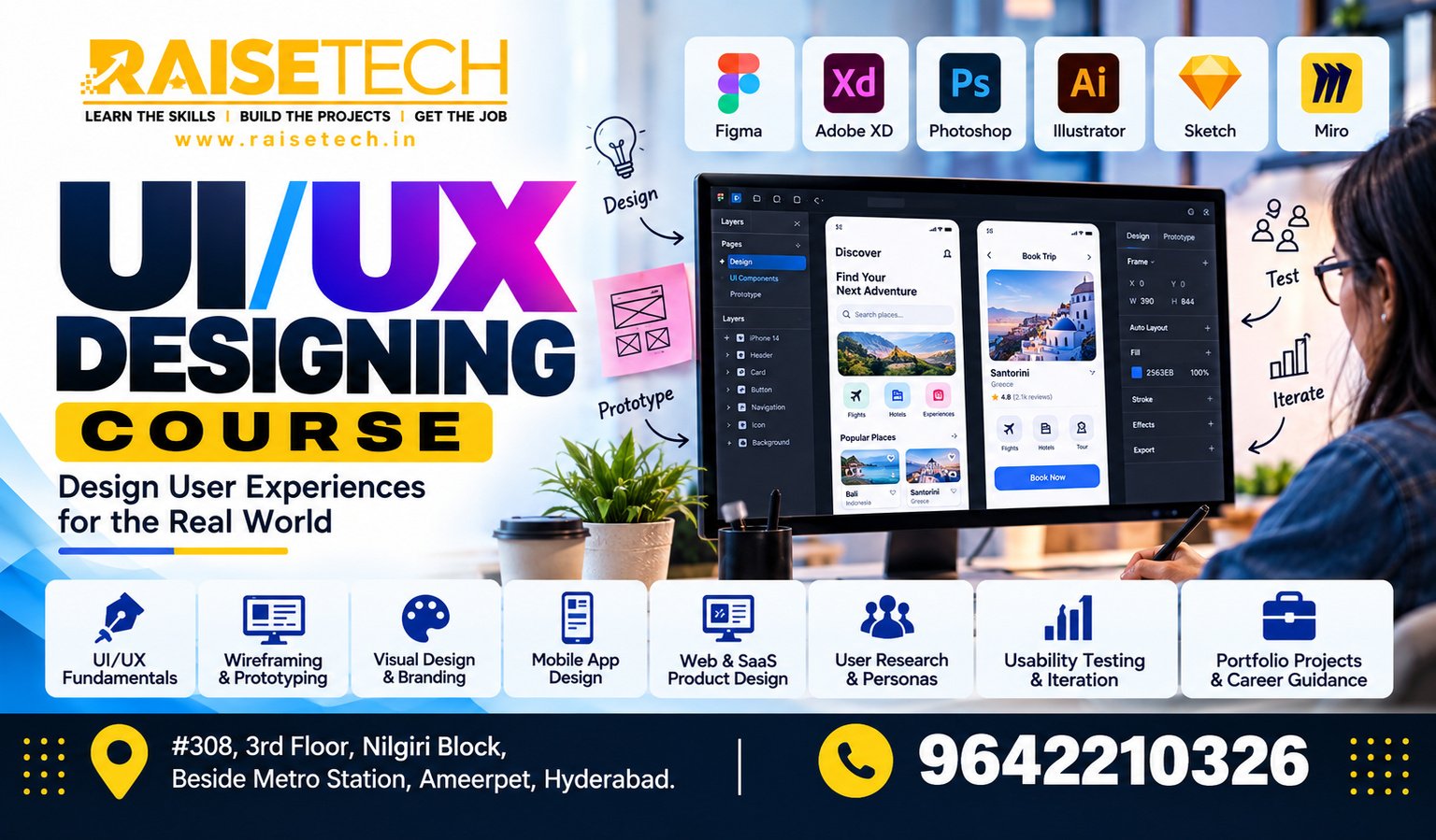
UI/UX Designing Training in Hyderabad at Raise Tech Institute helps you learn how to design user-friendly websites and mobile applications. The course introduces user research, wireframing, visual design, prototyping, and usability testing. In addition, practical projects help you understand how users interact with digital products. Located in Ameerpet, Hyderabad, Raise Tech Institute welcomes students, freshers, and working professionals who want to develop design skills. Online and offline training options, along with placement assistance, can support your learning and career preparation.

Book your UI/UX Designing Course Free Demo

Your information is 100% secure.

Learn UI/UX Design for Websites and Mobile Apps

UI/UX Design for Websites and Mobile Apps UI stands for User Interface. It focuses on the visual elements people use when interacting with a digital product. These elements include buttons, menus, forms, colours, and layouts. UX stands for User Experience. It focuses on how easy and useful a product feels to its users. Therefore, UX design involves understanding user needs, organising information, and solving usability problems. UI/UX design brings these two areas together. As a result, designers can create digital products that look clear and work well for their intended users.

User Research

Learn to identify user needs, understand problems, and use research findings to guide design decisions.

Wireframing

Plan page layouts and organise content before creating detailed visual designs.

UI Design

Explore colours, typography, spacing, buttons, forms, and consistent interface layouts.

Prototyping

Create interactive design previews to demonstrate how users move through a website or app.

Usability Testing

Evaluate design flows, identify usability issues, and improve the experience using feedback.

Design Portfolio

Present your design process and completed projects in a portfolio for employers or clients.

Why Learn UI/UX Designing?

Businesses need digital products that are easy to understand and use. Websites and mobile apps must help people complete tasks without unnecessary confusion. UI/UX design helps address these needs. It combines research, visual design, and problem-solving. In addition, it encourages designers to test ideas before making final decisions. Learning these skills can help you explore opportunities in product design, digital services, and website or app design.

Skills You Can Develop

  • User research and problem identification
  • User personas and journey mapping
  • Information architecture
  • Wireframes and interface layouts
  • Visual design principles
  • Interactive prototyping
  • Usability testing and design improvements
  • Portfolio presentation

UI/UX Designing Course Curriculum

This sample curriculum covers the main stages of a UI/UX design project. First, you learn about users and their needs. Next, you plan layouts and create interfaces. Finally, you build prototypes, test designs, and present your projects.

Module 1: Introduction to UI/UX Design

  • Understanding UI and UX
  • Role of a UI/UX designer
  • Design thinking fundamentals

Module 2: User Research

  • Understanding user needs and goals
  • Research methods and interviews
  • Identifying user pain points

Module 3: User Personas and Journey Mapping

  • Creating user personas
  • Mapping user journeys
  • Finding opportunities to improve experiences

Module 4: Information Architecture

  • Organising content and information
  • Navigation and menu structures
  • Creating clear user flows

Module 5: Wireframing

  • Low-fidelity wireframes
  • Page layouts and content placement
  • Website and app screen planning

Module 6: UI Design Fundamentals

  • Colour theory and typography
  • Spacing, alignment, and visual hierarchy
  • Buttons, forms, cards, and components

Module 7: Figma Fundamentals

  • Design workspace and frames
  • Components, styles, and reusable elements
  • Auto layout and design organisation

Module 8: Interactive Prototyping

  • Connecting screens and interactions
  • Creating clickable prototypes
  • Demonstrating user flows

Module 9: Responsive Design

  • Desktop, tablet, and mobile layouts
  • Responsive design principles
  • Consistent experiences across screen sizes

Module 10: Usability and Accessibility

  • Usability testing fundamentals
  • Collecting and applying user feedback
  • Accessibility and readable interface design

Module 11: Design Systems

  • Reusable components and styles
  • Consistent interface patterns
  • Maintaining design consistency

Module 12: Projects and Portfolio

  • Website or mobile app design project
  • Documenting the design process
  • Preparing a professional portfolio
Course information: This is a suggested curriculum. Confirm the actual modules, software, duration, fees, and batch availability with Raise Tech Institute before publishing these details as confirmed offerings.

UI/UX Design Tools and Technologies

Designers use digital tools to plan interfaces, create prototypes, and share design ideas. Depending on the confirmed syllabus, training may include tools such as the following.
Figma FigJam Adobe Photoshop Adobe Illustrator Prototyping Tools

These are examples of design tools. Please confirm which applications are included in the course.

Practical UI/UX Design Projects

Practical projects help you apply design concepts to common digital experiences. They also give you examples to discuss when presenting your portfolio.

Website Landing Page

Design a clear landing page with a logical layout, readable content, and easy-to-find actions.

Mobile App Interface

Create mobile screens and connect them to show a simple user journey.

E-Commerce Design

Plan product listings, product details, shopping cart screens, and checkout flows.

Dashboard Interface

Organise data, navigation, cards, and actions into a clear dashboard layout.

Wireframe and Prototype

Turn an initial idea into wireframes and an interactive prototype for review.

Usability Improvement

Review an existing interface, identify possible issues, and propose user-focused improvements.

Who Can Join UI/UX Designing Training?

This course may suit learners who enjoy design, technology, and problem-solving. Beginners can start with the fundamentals and develop their skills through regular practice.
  • Students interested in digital design
  • Freshers exploring design careers
  • Working professionals changing career paths
  • Graphic designers expanding their skills
  • Web designers learning UX principles
  • Entrepreneurs planning digital products

Prerequisites for Beginners

Advanced design experience is not required to begin with the basics. However, basic computer knowledge can help you follow software demonstrations and complete design exercises. Most importantly, develop curiosity about how people use websites and apps. Observe common design problems and think about ways to solve them. Over time, these habits can improve your design thinking.

Why Choose Raise Tech Institute?

Raise Tech Institute in Ameerpet, Hyderabad, supports learners who want to build practical skills. A structured UI/UX design programme can help you understand the design process and practise through projects.

Structured Learning

Explore user research, wireframing, interface design, prototyping, and testing in a clear learning sequence.

Project-Based Practice

Apply your knowledge through website, mobile app, and dashboard design exercises.

Portfolio Guidance

Learn to organise project work and explain your design decisions in a professional portfolio.

Offline UI/UX Training in Ameerpet

Classroom learning may suit students who prefer face-to-face interaction and guided sessions. If you are looking for UI/UX Designing Training in Ameerpet, Hyderabad, contact Raise Tech Institute to confirm classroom details, batch timings, and practical facilities.

Online UI/UX Designing Training

Online training may provide flexibility for students and working professionals. Ask the institute about live sessions, software requirements, project reviews, and available online batches before enrolling.

Career Opportunities After UI/UX Designing Training

UI/UX design skills can be useful in technology companies, design agencies, startups, and digital businesses. Your career options depend on your portfolio, practical ability, experience, and employer requirements.

UI Designer

Create visual interfaces with clear layouts, typography, colours, and reusable components.

UX Designer

Research user needs and help improve how people interact with websites and applications.

UI/UX Designer

Combine user experience planning and interface design to develop digital product experiences.

Product Design Associate

Support product design tasks, create prototypes, and work with feedback from users and teams.

Interaction Designer

Plan how interface elements respond to user actions and guide people through tasks.

Web Designer

Design website layouts and visual elements with a focus on usability and consistency.

UI/UX Designing Training with Placement Assistance

Building design skills is an important first step. However, employers also want to understand how you approach problems and explain your decisions. A strong portfolio can show your research, wireframes, design choices, and final prototypes. Therefore, practise documenting each project as you learn. Raise Tech Institute offers placement assistance and career support according to its current policies. Contact the institute to confirm which services are available for UI/UX learners.

Prepare for Your Design Career

  • Build a portfolio with clear case studies
  • Explain the problems your designs solve
  • Practise presenting prototypes
  • Prepare a professional resume
  • Develop communication and interview skills

Placement assistance does not guarantee employment. Hiring depends on your skills, portfolio, interview performance, and employer requirements.

Frequently Asked Questions

Here are answers to common questions about UI/UX Designing Training in Hyderabad at Raise Tech Institute.

1. What is covered in UI/UX designing training?

The curriculum may cover user research, wireframing, interface design, prototyping, usability testing, responsive design, and portfolio projects. Confirm the final syllabus with the institute.

2. What is the difference between UI and UX?

UI focuses on the visual interface, such as buttons, layouts, and typography. UX focuses on the overall user experience, including usability, navigation, and task completion.

3. Is Figma included in the course?

Figma is a widely used UI/UX design tool. Please confirm with Raise Tech Institute whether it is included in the current syllabus.

4. Can beginners join UI/UX training?

Beginners can start with design fundamentals. Basic computer knowledge and regular practice can help you learn the concepts step by step.

5. Where is Raise Tech Institute located?

This course page targets learners in Ameerpet, Hyderabad. Contact the institute to confirm its current address and classroom details.

6. Are online and offline classes available?

Training options depend on current batches and course arrangements. Contact the institute to confirm availability.

7. What projects can I create during the course?

Sample projects may include a website landing page, mobile app screens, an e-commerce flow, a dashboard, and interactive prototypes.

8. Does the course include placement assistance?

Raise Tech Institute offers placement assistance and career support according to its current policies. Contact the institute for details about the services available.

9. What jobs can I explore after UI/UX training?

Depending on your skills and portfolio, you may explore UI designer, UX designer, UI/UX designer, web designer, or product design associate roles.

10. How do I know the course duration and fees?

Course duration, fees, and batch schedules may vary. Contact Raise Tech Institute for the latest information before enrolling.

Start Your UI/UX Design Journey

Learn how to turn user needs into clear and useful digital experiences. Explore UI/UX Designing Training in Hyderabad at Raise Tech Institute and develop your skills through design practice and portfolio projects. Contact our team to ask about the syllabus, fees, course duration, and available online or offline batches in Ameerpet, Hyderabad.

Talk to an advisor.

Enroll · Free consultation